A familiar story: a supplier raises prices. They are updated in 1C (Russia’s leading ERP and accounting platform) by lunchtime and on the website by evening, but on Yandex Market the product keeps selling at the old price for several more days. Orders placed in the meantime have to be shipped at a loss or cancelled, and marketplaces do not forgive cancellations. Nobody forgot anything: the prices simply go to the marketplace in a file that a manager puts together once a week.
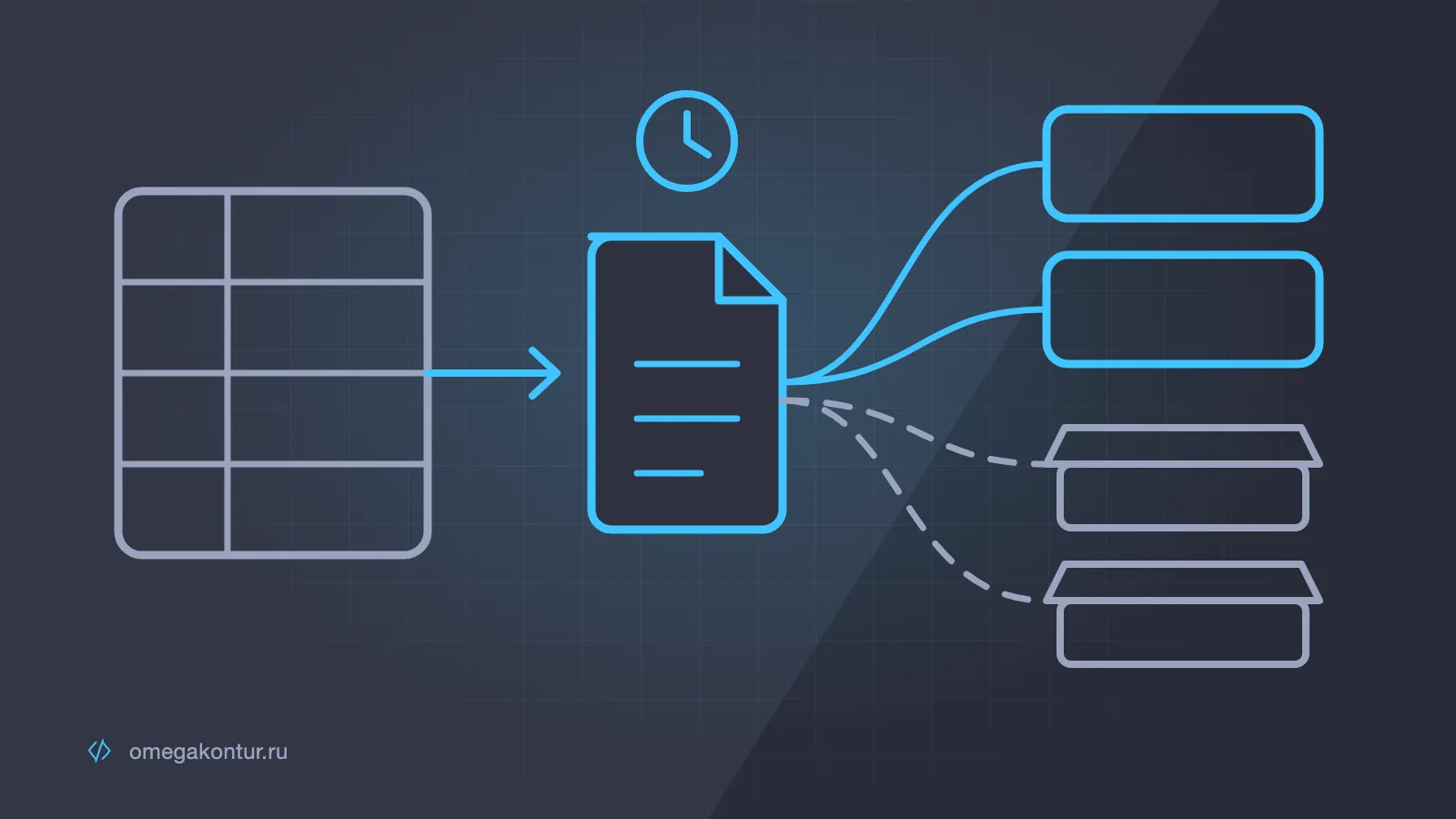
That file is called a product feed. It is a list of products with prices, stock levels, photos and attributes, in a format the platform understands. The file sits at a permanent link, and the platform re-reads it on its own: Yandex Market usually every 30 minutes, Ozon every hour for catalogs of up to 50,000 rows, Google Merchant Center (Google’s product catalog for ads) once a day. Convenient, as long as the file is fresh. Once it goes stale, the platform politely shows shoppers yesterday’s prices.
What a feed does on different platforms
The most common mistake is assuming a feed works the same everywhere. It does not, and the platform decides what a failure will cost you.
On Yandex Market, the feed creates product listings and updates prices. A product that disappears from the file does not leave the storefront by itself: it has to be removed in the seller dashboard. And if a product loses its category in the file, Market removes it from the catalog.
On Ozon, the feed does not create listings at all. It only updates prices and stock for products already set up by hand or with a template.
On Avito, a listing that drops out of the file goes to the archive. That has an unpleasant consequence: if a glitch sends an empty file to the platform, every listing is taken down at once. Avito’s help center says plainly that an empty file must never be sent.
VK (Russia’s largest social network) accepts up to 15,000 products and up to 8 MB, and simply skips a product without a photo during import.
The formats differ too. Market, Ozon and VK understand YML, a file format created by Yandex. Avito and Google have their own. So a single file “for every platform” rarely works out: several feeds are built from one catalog, one per platform.
Where the catalog comes from
The feed is the last step. First you need a product catalog, and there are only a few places where it can live.
A spreadsheet in Excel or Google Sheets. The most common case for smaller sellers. Google Merchant Center connects to Google Sheets directly; Avito and VK accept CSV (a spreadsheet saved as plain text) by link, but with their own columns and their own template. Market and Ozon only take YML by link, so the spreadsheet still has to be converted into something.
A website on an off-the-shelf platform. 1C-Bitrix, InSales and other boxed e-commerce platforms can build YML themselves, sometimes through a plug-in. If the products are already on the site and there is only one marketplace, this is the cheapest route and nothing else is needed.
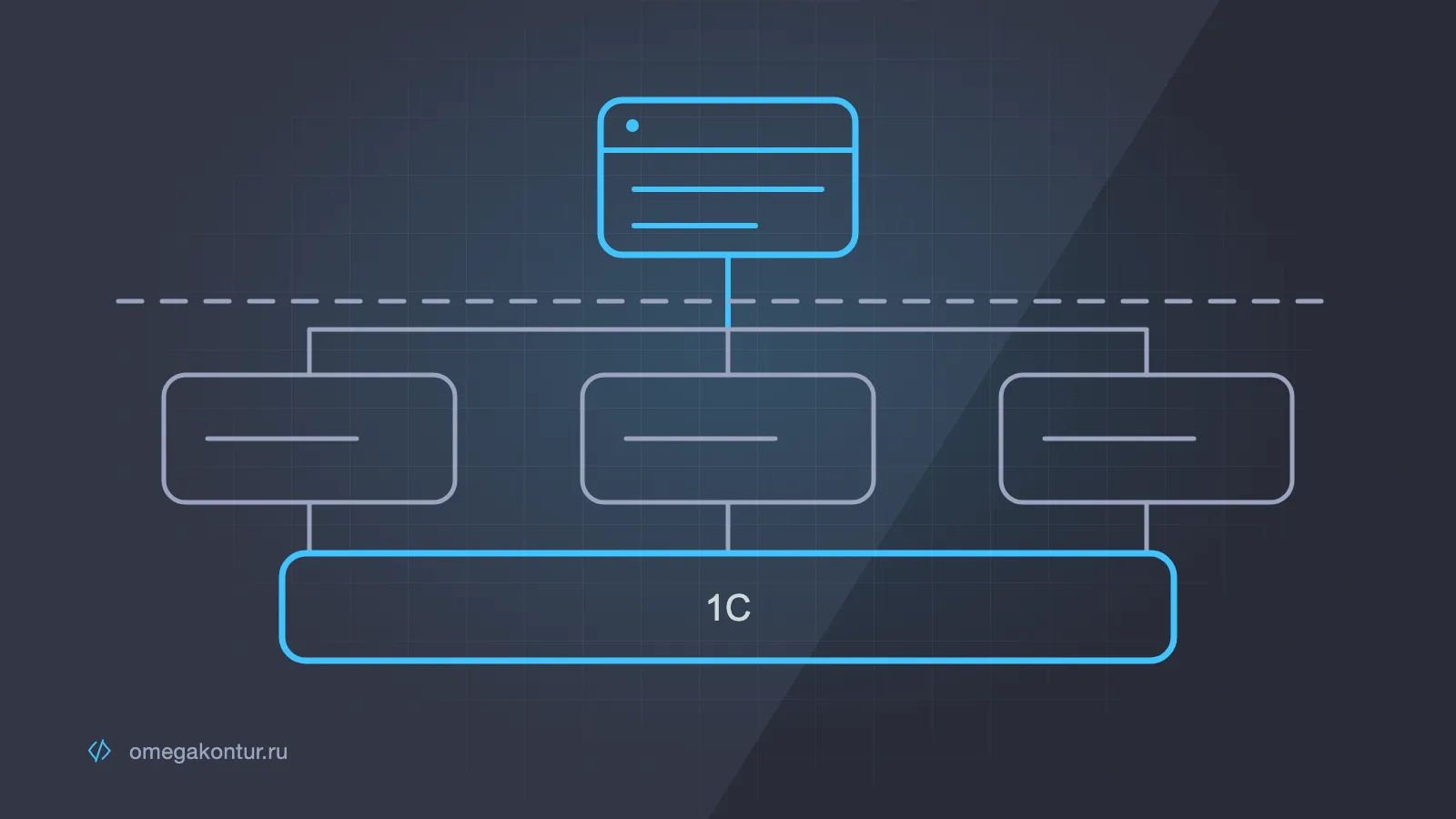
1C. This is where the catalog is most complete: SKUs, stock by warehouse, several price types. But out of the box 1C usually does not publish a file at a link to a specific platform’s rules. There is always something in between: a website module, a custom 1C add-on, a separate program.
A dedicated feed service. The catalog is uploaded from Excel, from a spreadsheet link or from 1C, and the service builds a file for each platform. There are several such services on the market. We built one of them, Feed2B, and the examples below come from it: which errors have to be caught and why.
Where a feed breaks
Almost every failure is not about the format but about small things a person misses and the platform’s robot spots immediately.
A price of “1 990 rub.” in a cell. A person reads it easily; the platform expects a number. “1.990” is worse: is that one thousand nine hundred ninety, or one ruble ninety-nine kopecks? Feed2B reads such a price as 1990 and always warns the user to double-check it.
A photo link that leads not to an image but to a cloud storage page with a “Download” button. Market and Avito only accept direct links to the file. There is also a catch with updates: if you put a new photo at the old link, the platform will not download it again. To change a photo, you change the link itself.
An empty cell. It seems like a way to clear an old value. Market keeps the previous one instead: a feed cannot erase a field.
Encoding. VK rejects a file that is not saved in UTF-8 (the modern standard for storing text) with a vague “Could not add product.”
And the biggest problem: a product silently fails to make it into the file. The catalog has 6,000 items, the feed has 5,400, and nobody knows where the other six hundred went until a customer asks why half the chandeliers vanished. So any build process, manual or automatic, has to answer one question before the file goes out: which products will not be included, and why. Feed2B shows this list before the build, with a reason next to each product: no price, no category, no photo for VK.
Feeds for dealers and partners
Marketplaces are not the only ones reading these files. The YML format is understood by dealer websites, partners’ online stores and many accounting systems. That is why suppliers increasingly give partners a feed link instead of emailing a price list: the partner’s site pulls fresh prices and stock on its own, nobody forwards an Excel file every week, and nobody sells a product that is already out of stock.
Technically it is the same feed with different prices. The retail marketplace needs the recommended retail price; a partner needs the wholesale one. So two files with different price types are built from one catalog. If partners have different terms, there will be more files, one per group.
There are two risks worth thinking about in advance.
First, wholesale prices are visible to anyone who has the link. Not every reader supports a password on the link: Market has such a setting, most partner websites do not. The only protection is a long random address that cannot be guessed, plus telling search engines not to index it. If the link ends up in the wrong hands, the only remedy is to change it and send the new one to those who need it.
Second, the partner decides how often to fetch the file. If their site re-reads the feed once a day, freshness on your side will not help them. This is worth agreeing on when connecting, along with what to do about products that drop out of the file.
If prices change once a quarter and you have three partners, an email with an Excel file still works and there is nothing to change. A feed pays off when there are dozens of partners, or when prices and stock change every day.
How to keep a feed fresh
Building the file by hand once a week works while prices stand still. As soon as the supplier starts changing them more often, you need a schedule: the catalog updates itself, from 1C or from a spreadsheet link, and the feed is rebuilt right after.
The file should be built ahead of time, in the background, not at the moment the platform comes to fetch it. On a catalog of 400,000 items, which is the size of the Fandeco online store, building the file takes noticeable time. Doing it on every request from Market would have the site spending its resources on files instead of shoppers. So on projects with a large catalog we move the build into a separate program: it builds files for several websites at once on a schedule and puts the finished files into storage, where the platforms pick them up.
One more rule: a failed update must not spoil the working file. If the spreadsheet link did not download or 1C did not respond, the platform should get the previous version and the owner should get a notification, rather than an empty or truncated file going out. On Avito an empty file takes down every listing; on Market a truncated one leaves half the products with old prices.
What follows from all this
Start not with choosing a tool but with the question of where the truth about your products lives: in 1C, on the website, or in a manager’s spreadsheet. The feed should be built from there, not from a copy someone edits by hand.
Then honestly count your platforms and partners. One marketplace and products on an off-the-shelf website: the built-in module is enough. Several platforms, wholesale prices for dealers, a catalog in 1C: you need a separate build process, your own or a ready-made service. If the catalog already lives in another system, such as a B2B marketplace, it is easier to build the feed right from there.
And whatever you choose, check one thing: can you see, before the file goes out, which products will not make it in. If there is no answer, you will hear about it from your customers.